Voice is the oldest system you own. We make it the smartest.

We move your phones off Cisco, Avaya or Mitel onto Microsoft Teams Phone. Then we run them.

1M+
seats migrated
90%
fewer errors at cutover
Fixed fee
We don't go over budget
16 years
in enterprise voice
Why it matters

You may already be paying for Teams Phone.

If you're on Microsoft 365 E5, Teams Phone is likely in your bill already. Most companies keep paying for the old phone system next to it. The savings start when you turn the old one off.

University of New Haven Modernizes Communication with Microsoft Teams Phone

Saved $360K+ by moving to the Teams Phone licenses it already owned.
Read case study
How it works

Migrate. Manage. Make it intelligent.

We move your phones to Microsoft Teams Phone, run them with your team, then put Microsoft's AI to work on your calls.

MIGRATE
Move without guessing.

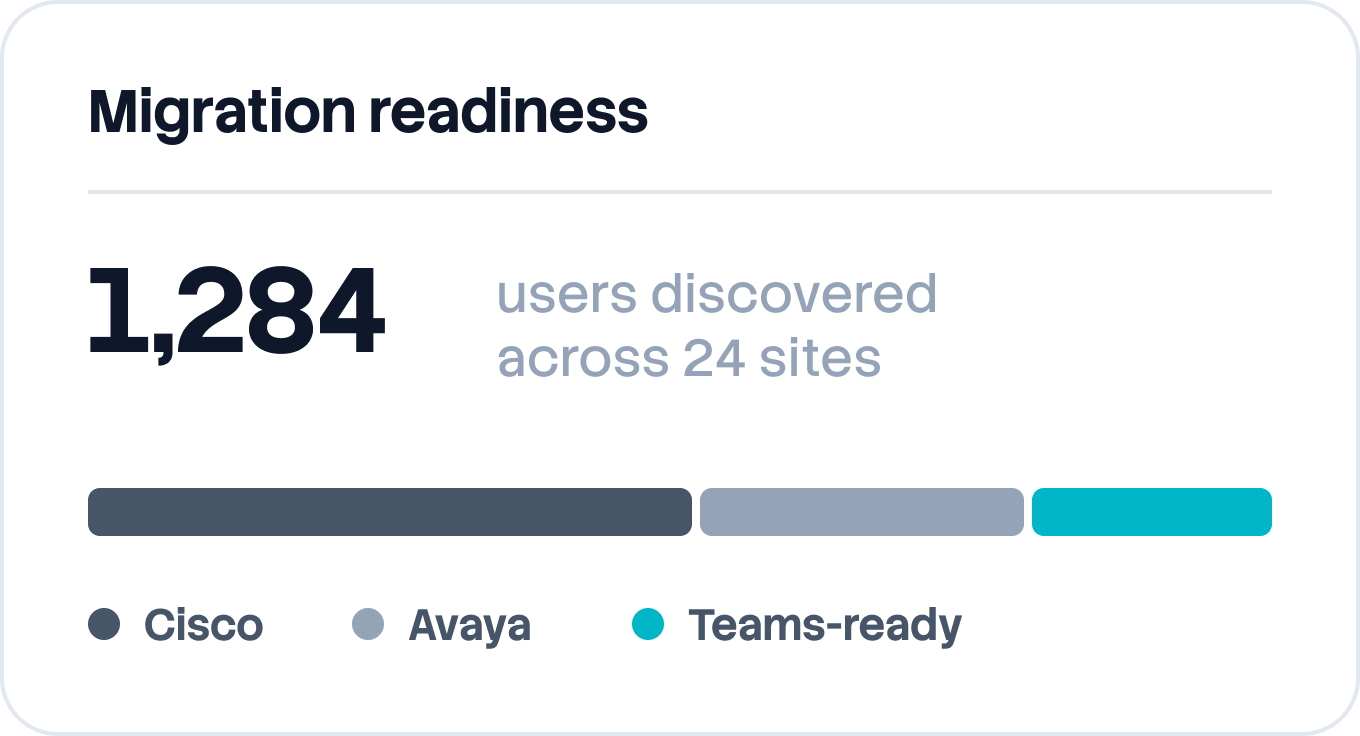
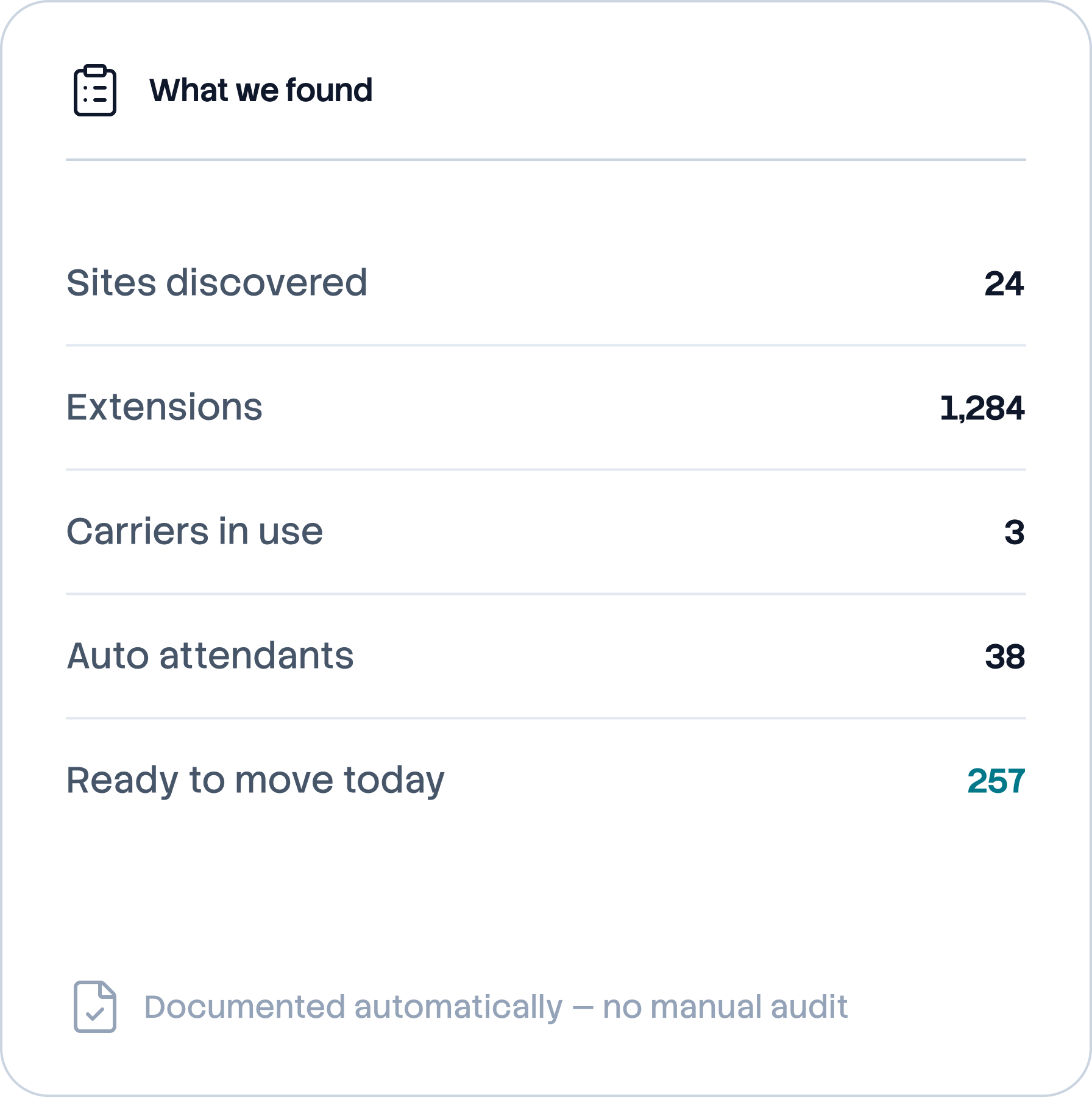
Before anything moves, our software maps your old system and checks it against real call records.
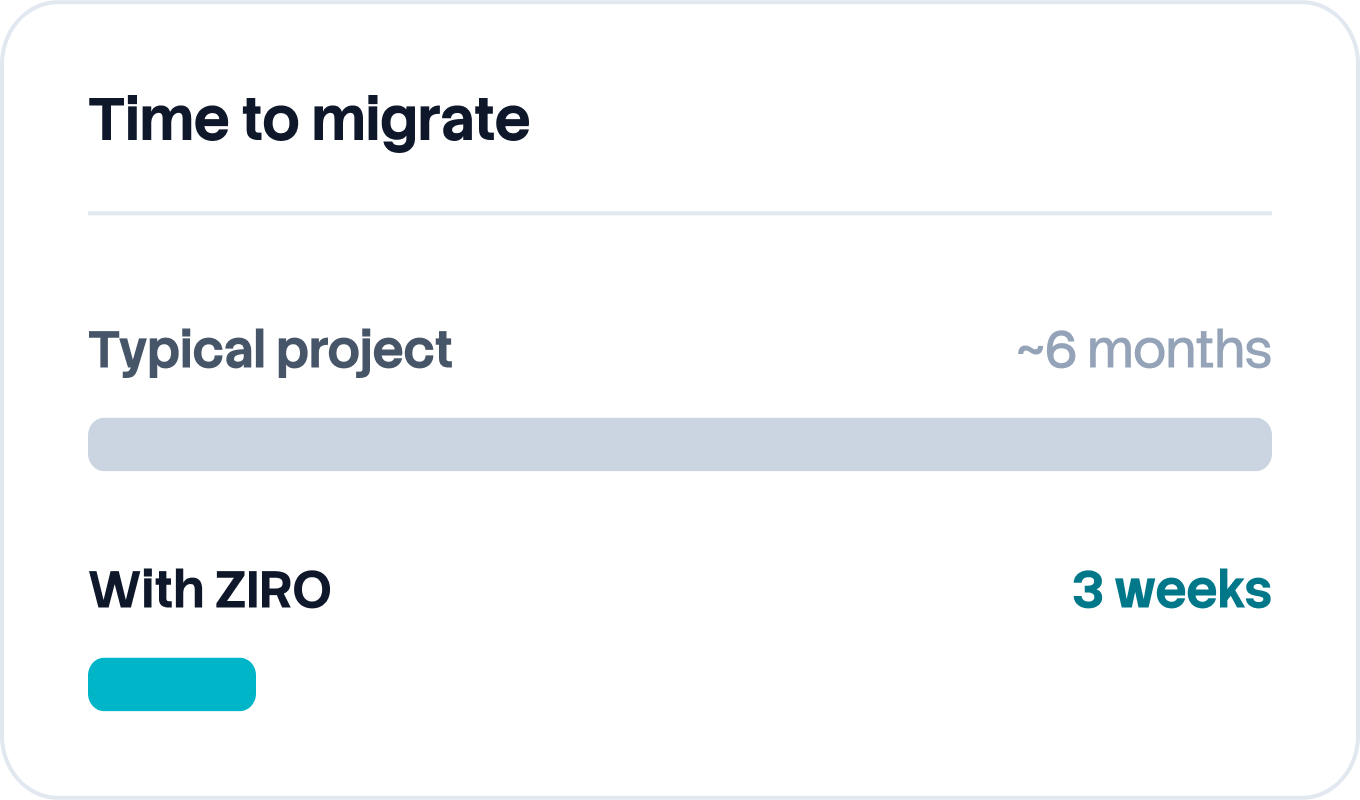
We map every site, number, device and call flow automatically.
We find the live numbers nobody documented.
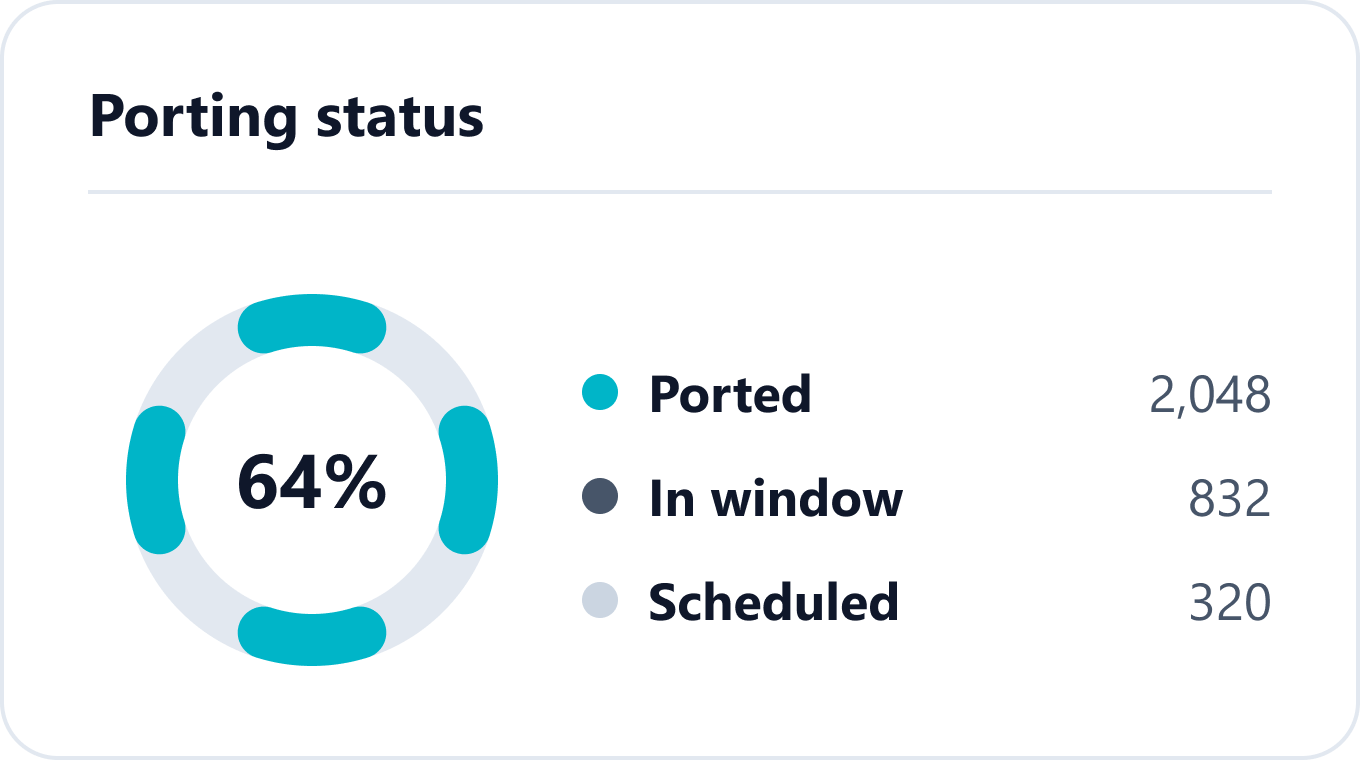
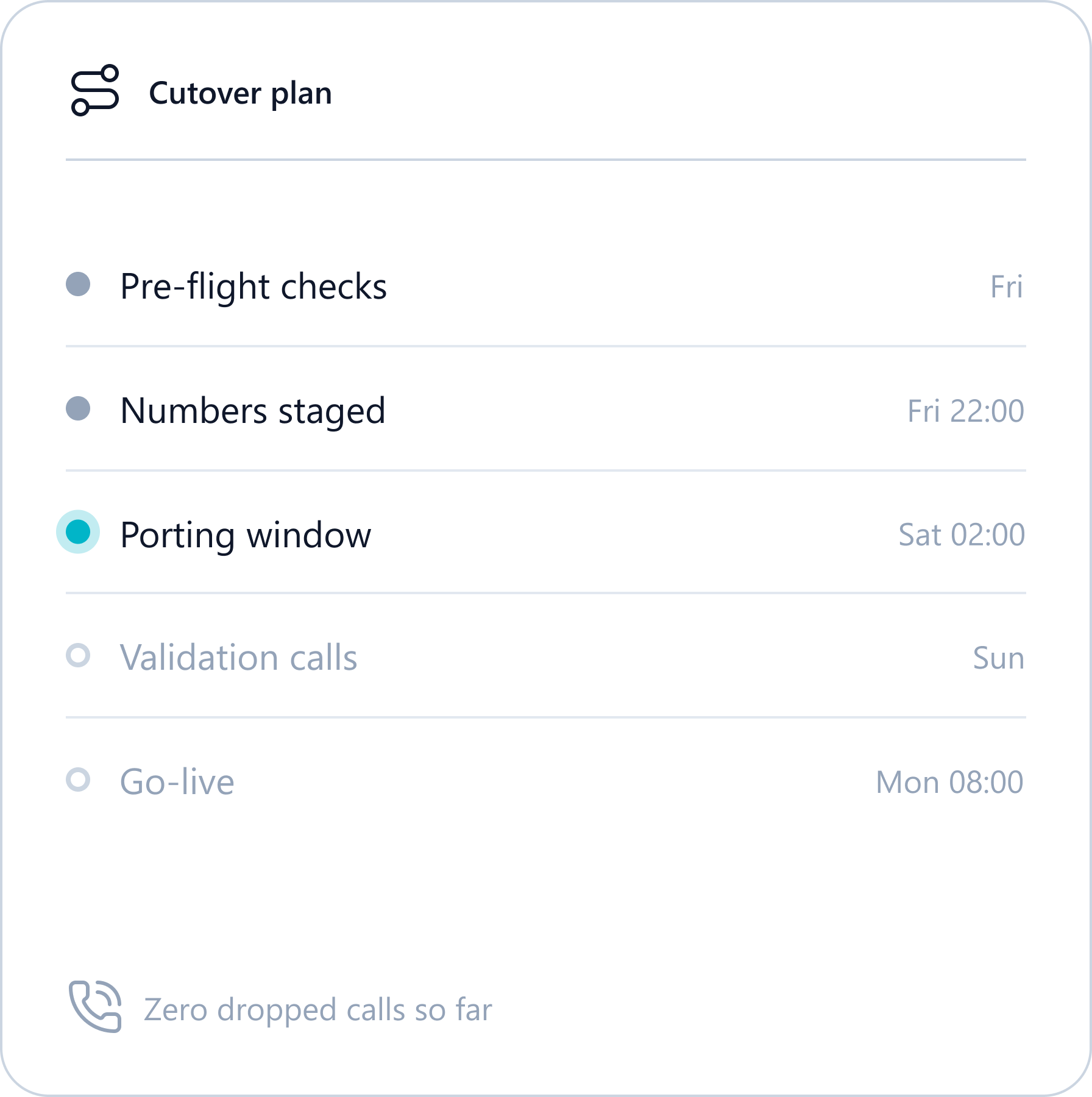
Each site cuts over on a planned night, with a way back.
MANAGE
Run it without a specialist.

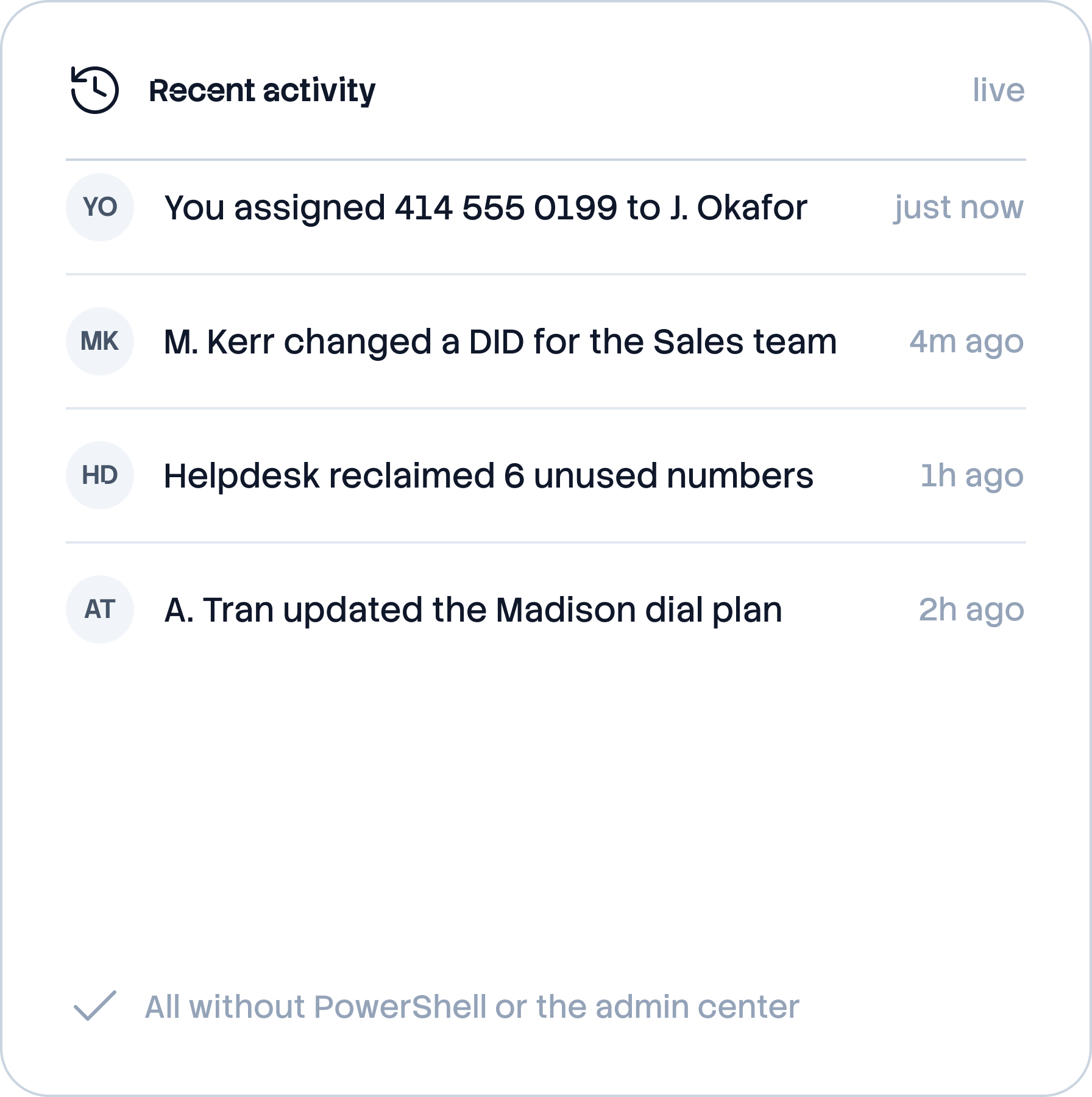
Your helpdesk makes changes in one web app, with no PowerShell or spreadsheets. We flag broken setups before users notice, and our team is on call 24/7.

Everything from one screen, with 32 minutes saved on every routine change.
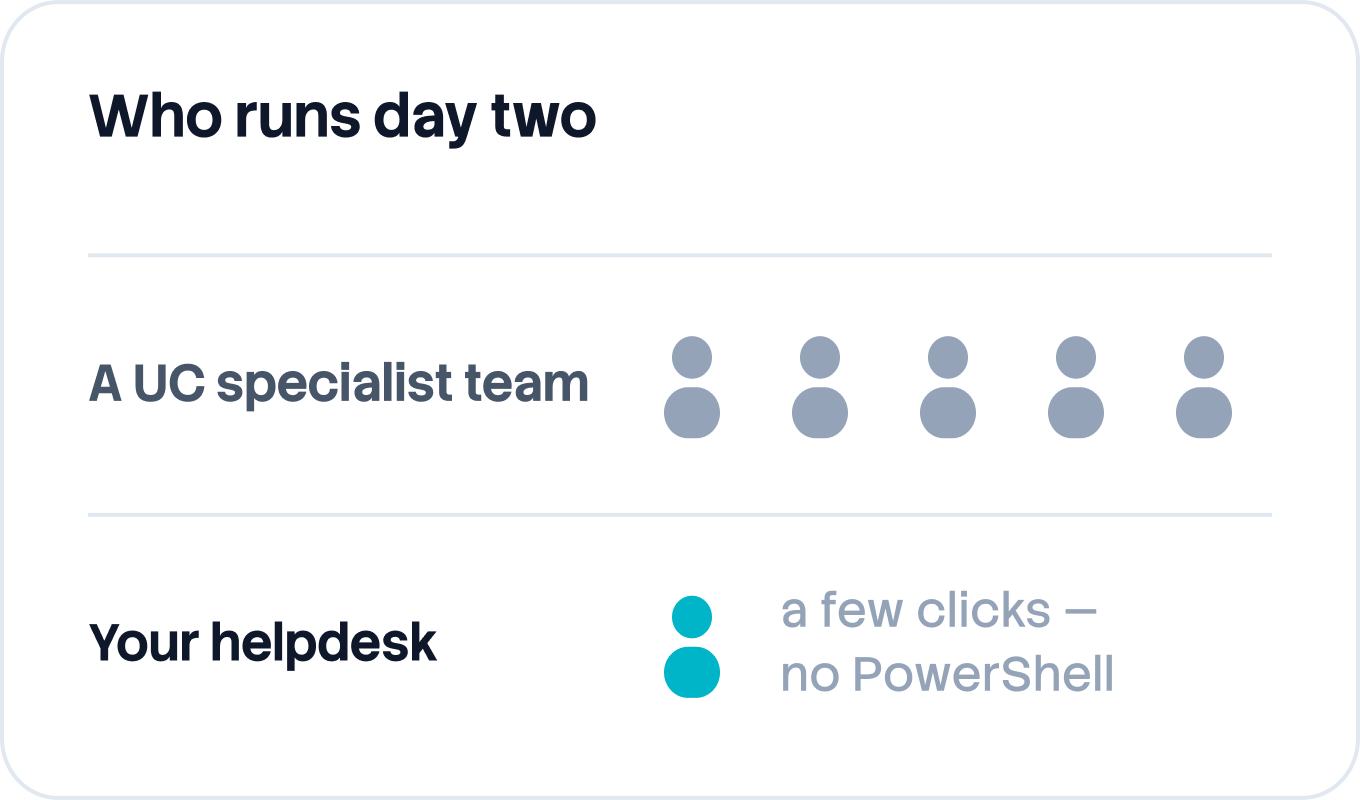
Your existing helpdesk owns day two. No specialist to hire.
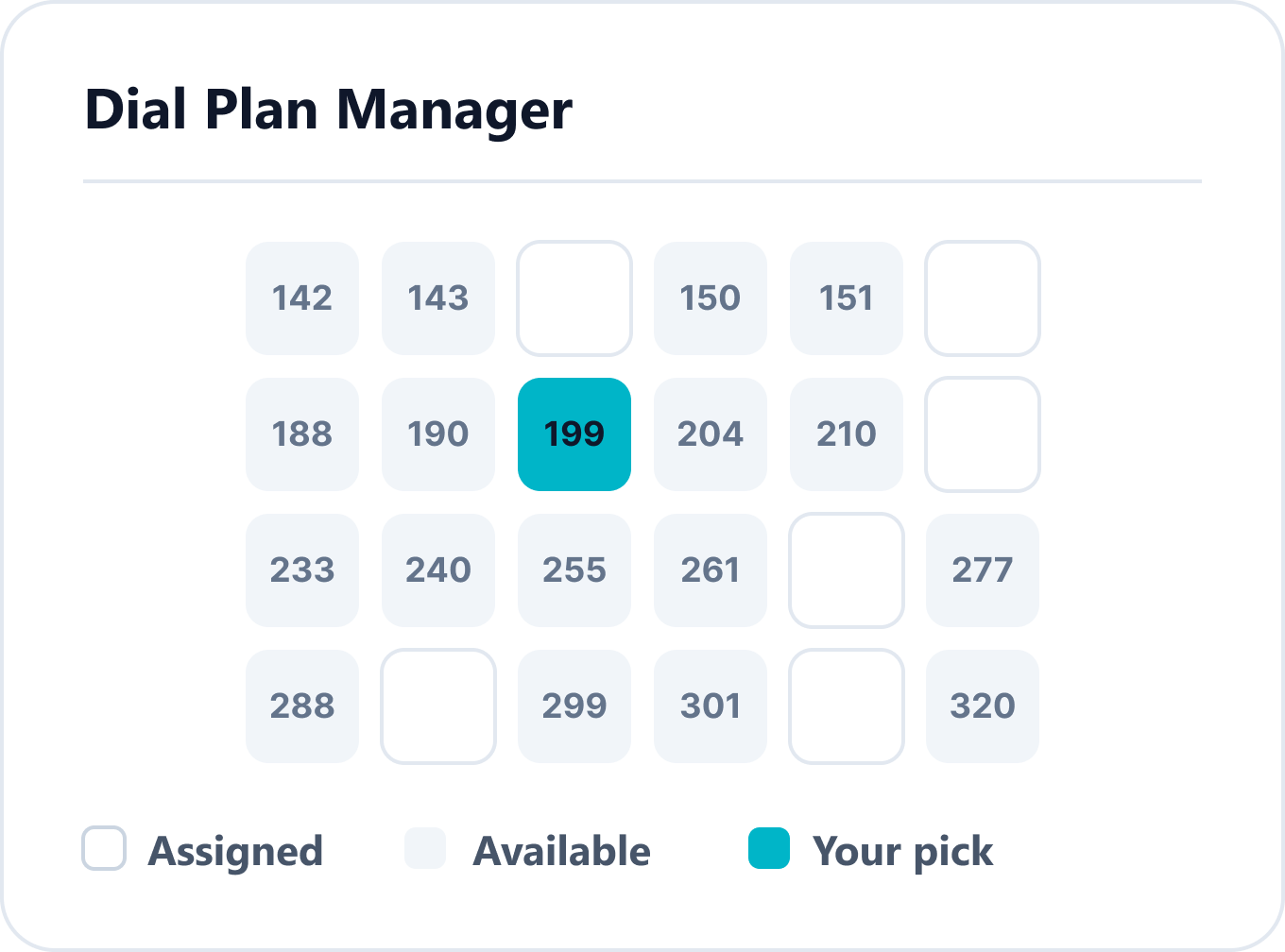
Assign a number like a seat — changes in clicks, not tickets.
"Ability for junior analysts to perform MAC's without knowing too much." — Capterra review
MAKE INTELLIGENT
Your calls, inside Microsoft.

Your calls stay in your own Microsoft tenant, under the security you already run. That's where Microsoft's AI phone agent works, and we set it up for you.
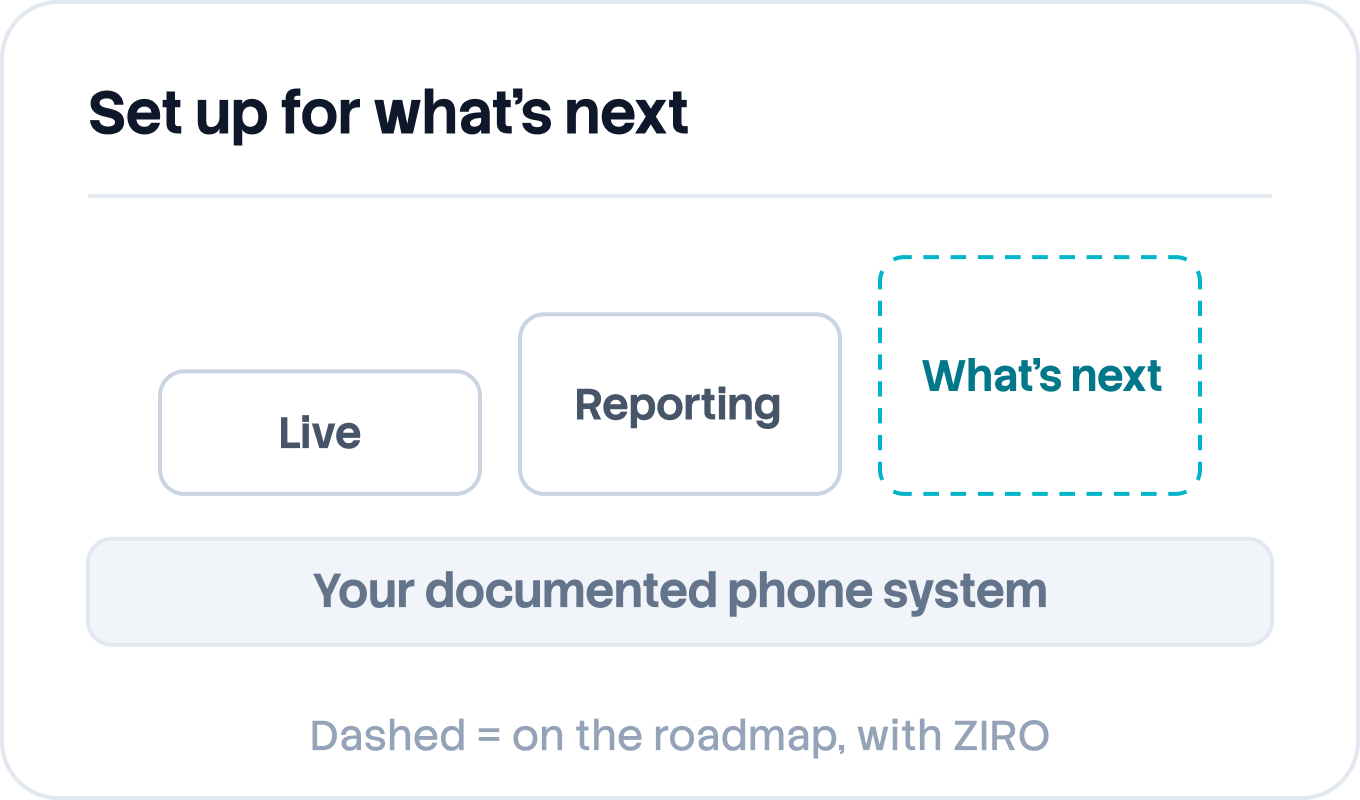
Call data stays in your tenant, not on a carrier's platform.
Teams Phone Agent, set up for your call flows.
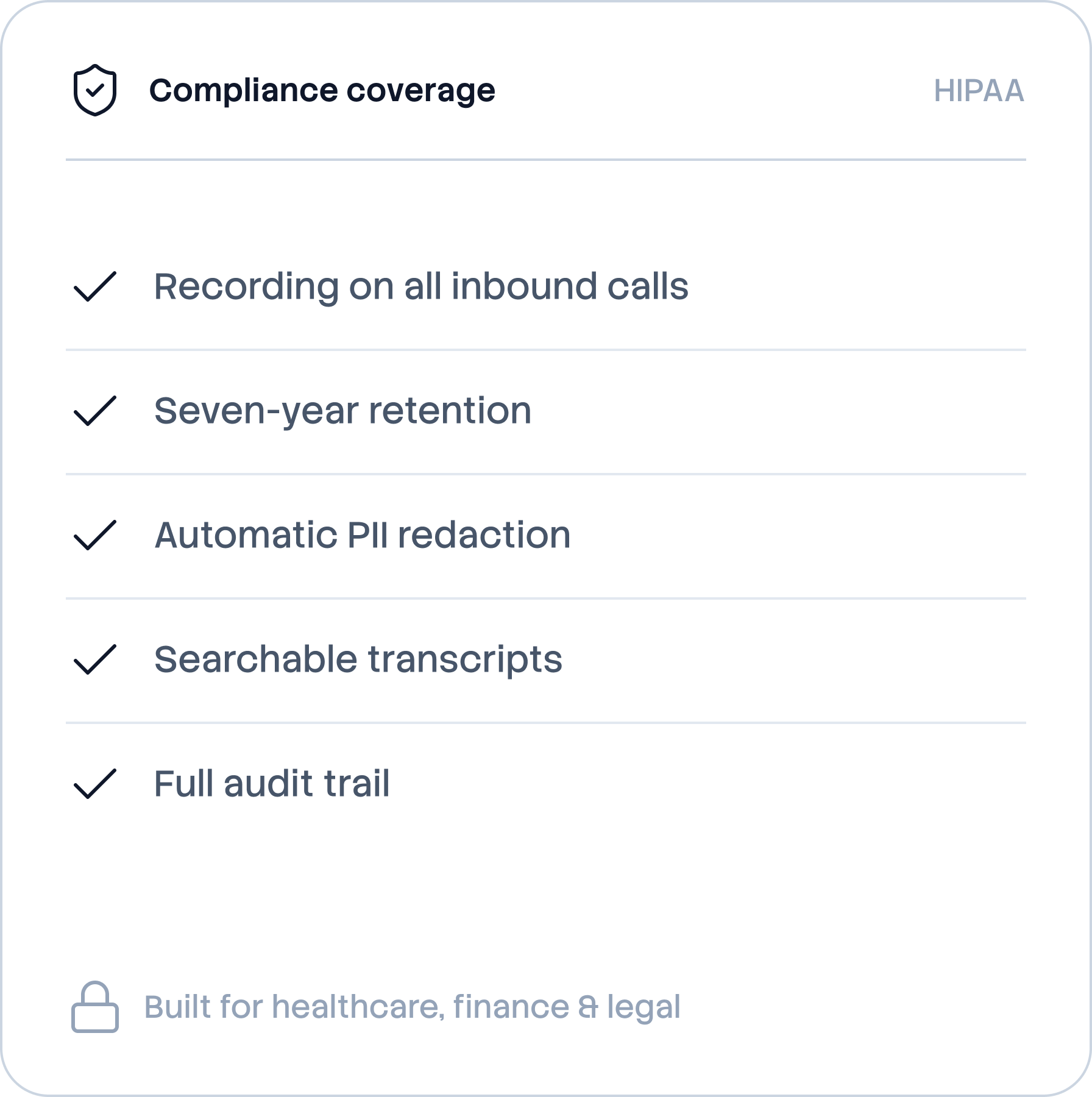
Runs on the Microsoft 365 security you already have.
Simple by design

Enterprise voice, finally as simple as the software you actually like using.

Configuring Teams voice usually means scripts, the admin center, and a specialist who knows where everything's buried. ZIRO makes it a web app — so the team you already have runs it like pros, without becoming telecom pros.

The complexity is ours. The control is yours.

Run by helpdesks. At real scale.
110%
net revenue retention in Managed Services
80%
less provisioning work
18%
of users have a broken setup we catch

"ZIRO is the best product for managing Teams Phone. It solved provisioning for me, and I can't put a price tag on the time I've saved."

Ekin Gümüş
Global Service Lead, Enterprise Voice Operations & Engineering, Copeland
9,000+ users across 75 locations, run by the helpdesk
Built on Microsoft

Microsoft and Partners

ZIRO is built from the ground up for Microsoft — and most companies arrive through a partner they already trust. Two things that sound separate, working as one.

Your calls and data stay in your Microsoft tenant.

Built on Microsoft
A Microsoft partner by design — not by integration.

Built from the ground up for Teams Phone and Microsoft 365. Every migration brings more of your estate into Microsoft — and more value out of the licensing you already own.

Transactable on Microsoft Marketplace — procure it the way you already buy Microsoft.
MACC-eligible — spend counts toward your Azure Consumption Commitment.
Aligned to how Microsoft sells — co-sell ready, credibility kept.
See the Microsoft partnership
For partners
Buy direct or through your partner.

ZIRO is built to be delivered by the partners you already trust. When a partner brings ZIRO in, they keep the relationship and we do the technical work.

Your partner stays your main contact.
An extension of their expertise, not another product to resell.
Direct or through a partner, you get the same team and the same fixed fee.
Partner with ZIRO

Contracts renew before most teams are ready.

The sooner you know your timing, the more options you have. Every move is fixed fee, and we don't go over budget. See where you stand in under a minute.

Readiness check
Find out if your timing works.
Three questions. A recommended motion. No form, no follow-up unless you ask.
When does your current voice contract end?
What's your current voice platform?
Roughly how many users are you looking to migrate?
Your recommended motion

Typical timeline
Primary risk to watch
Talk to a Teams voice specialist