Managing Direct Routing Numbers in Microsoft Teams

Direct Routing offers unparalleled flexibility for Microsoft Teams Phone PSTN connectivity. However, managing Direct Routing numbers in the Teams Admin Center (TAC) can be exceptionally challenging. This article explores the intricacies of Direct Routing number management in Microsoft Teams, offering insights into everyday challenges and potential solutions.
The Headache of Managing Direct Routing Numbers in the TAC
The Teams Admin Center (TAC) lacks effective tools for managing Direct Routing numbers. Unlike numbers from Microsoft Calling Plans or Operator Connect, the TAC has no built-in inventory view of Direct Routing numbers. As a result, administrators often manage this critical information separately, resorting to shared spreadsheets or custom reports with PowerShell. When it comes to assigning Direct Routing numbers, the manual process falls short of the streamlined experience offered with Operator Connect or Microsoft Calling Plans. Administrators must manually enter numbers without any assurance that they are correctly configured on the Session Border Controller (SBC) they route through. The lack of visibility into numbers routed elsewhere, such as through a legacy PBX or Voice Gateways, also makes tracking which numbers go to Teams quite challenging.
Other Teams Direct Routing Number Challenges
Several things could be improved in managing Direct Routing numbers and associated policies in the TAC:
- For organizations with an on-premise Active Directory, there is no automated mechanism to keep it up to date with the numbers assigned in Teams, requiring manual configuration or custom scripts.
- Setting up extension dialing in Teams can be frustratingly complicated, necessitating Dial Plans with Normalization Rules or transformation rules in SBC configurations.
- The wide array of Teams policies associated with distinct number ranges can lead to oversights in setting policies for new users.
- There is no automated mechanism for Direct Routing number assignments, and the lack of dedicated audits within TAC makes tracking changes tricky.
- Teams admins cannot license users for Teams Phone directly within the TAC, necessitating additional steps and portals.
Managing Teams numbers with PowerShell scripts can provide efficient ways to generate reports of available versus assigned numbers, but this requires PowerShell scripting expertise. A video by Martin Heusser (M365 Apps & Services MVP) illustrates the complexity of creating these reports, combining Azure Automation, PowerShell CLI (PnP), and Power Automate to generate interactive reports in SharePoint.
Microsoft Continues to Evolve the TAC
The TAC historically didn't provide a method to delegate or grant role-based access (RBAC) to numbers. Without delegation or RBAC, any user could access any number without limitations. Microsoft recently addressed this with Administrative Units for Teams Admins. Administrative Units allow organizations to delegate Teams Administration to a subset of users based on attributes such as department, location, or business unit—so you can delegate a subset of phone numbers (direct routing, call plans, and operator connect) and policies to be managed by specific users. It's good to see Microsoft step up and address challenges, but there are still several to overcome.
ZIRO Overcomes TAC Challenges
Third-party software like ZIRO's platform for Microsoft (ZPM) combined with our Direct Routing as a Service (DRaaS) can create a more manageable environment today for those not willing to wait.
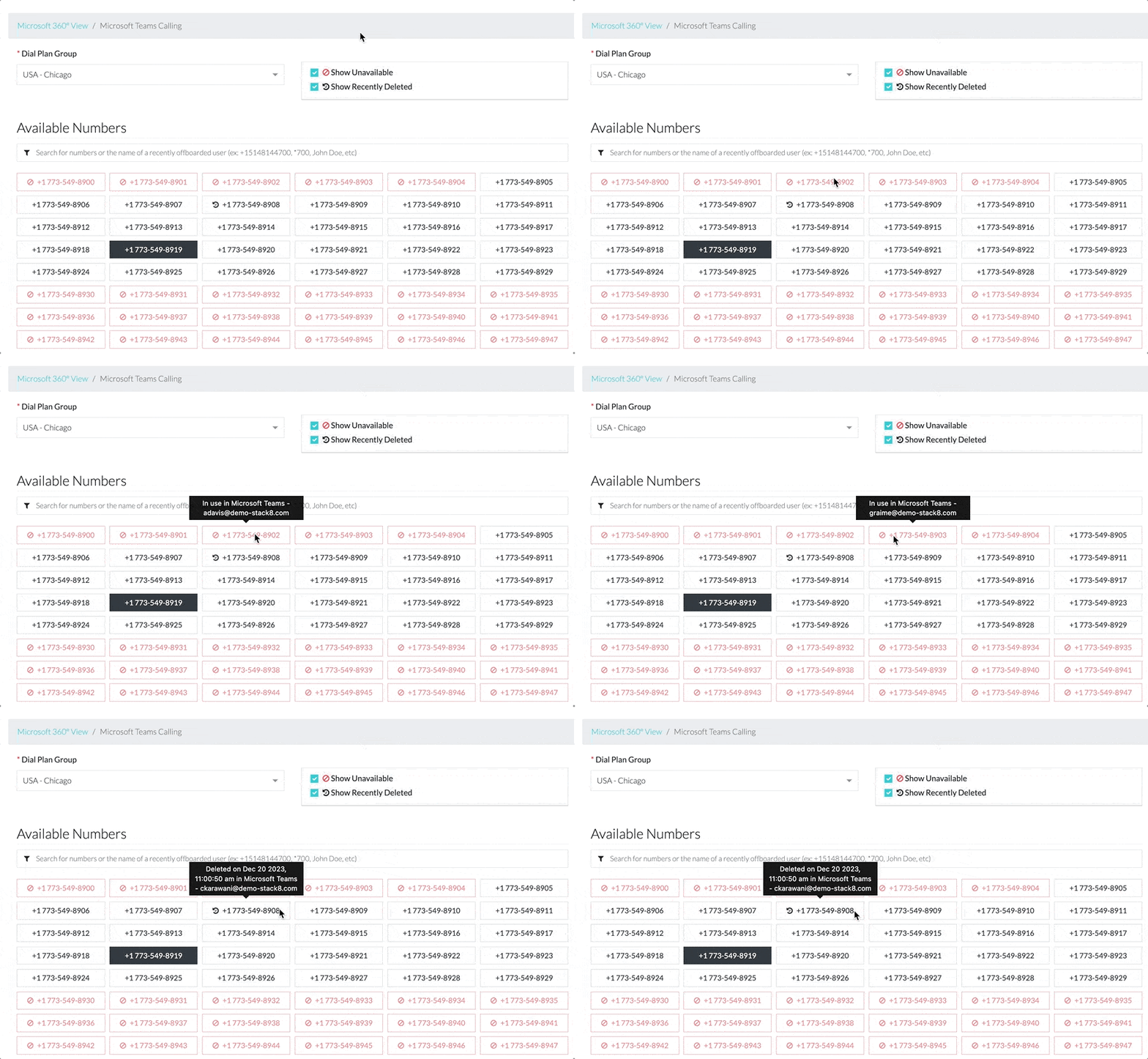
ZPM offers a full range of features to address many of these challenges, including automated provisioning, de-provisioning or re-assigning numbers and extensions, role-based access control, audit trails, reporting, zero-touch provisioning, bulk provisioning, license management, and updating Active Directory based on the numbers assigned in Microsoft Teams. You can request a demonstration of ZIRO's DRaaS and ZPM here.

Make your oldest system your smartest.
The fastest way to turn complex technical information into clear, actionable intelligence.